Introduction: Why Content Creators Need AI Tools in 2026
In 2026, creating content is easier than ever. You don’t need a large team, expensive software, or advanced skills. Free AI tools can help beginners write articles, design images, create videos, and thrive on social media. ‘Best Free AI Tools for Content Creators in 2026’ is the article to guide for ‘how to use AI tools for content creation’.

In this guide, I will explain everything step-by-step in simple English so that even a complete beginner can get started today.
Why Content Creators Need AI Tools in 2026
AI tools help you:
- Save time
- Create better content faster
- Work alone like a full team
- Start with zero investment
In 2026, AI is not optional. It’s a fundamental skill for bloggers, YouTubers, freelancers, and affiliate marketers.
How We Selected the Best Free AI Tools
Before using any tool, check these things.
Step 1: Check if the tool is truly free
- Free plan available
- No credit card required
- Sufficient daily or monthly usage limits
Step 2: Check for ease of use
- Simple dashboard
- Beginner-friendly
- No technical knowledge required
Step 3: Check the quality of the content
- Natural-sounding writing
- Good images or videos
- Little to no watermarks
Best Free AI Writing Tools for Beginners
For most content creators, writing is the first step.
Step by Step: How AI Writing Tools Help
- You type a topic
- The AI generates content
- You edit and publish
Best Free AI Writing Tools
- ChatGPT—Blogs, scripts, ideas, emails
- Grammarly – Grammar and clarity
- Notion AI – Notes and content planning
Best Use Cases
- Blog writing
- Affiliate product descriptions
- YouTube scripts
- Social media captions
Best Free AI Tools for SEO Content
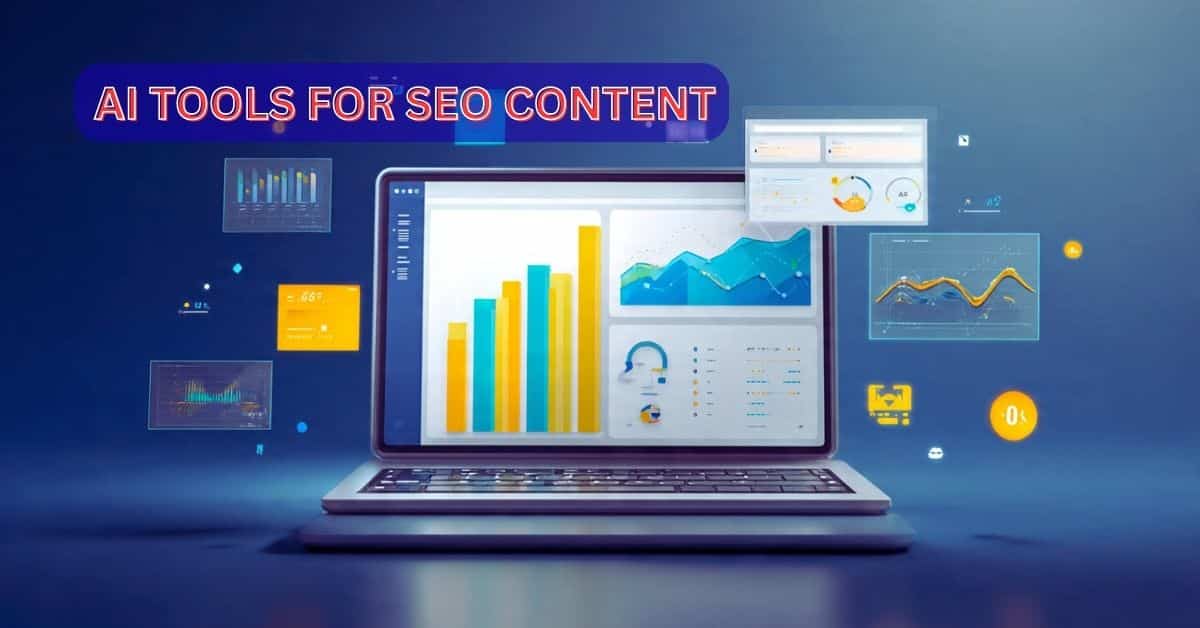
SEO helps your content rank on Google.
Step-by-step SEO with AI
- Find keywords
- Write SEO-friendly content
- Optimize titles and descriptions
Free SEO AI Tools
- Ubersuggest – Keyword ideas
- Rank Math – On-page SEO
- Yoast SEO – Content optimization
Best Free AI Image Generation & Design Tools
Images attract users and increase clicks.
Image creation step-by-step:
- Write a prompt
- AI will generate the image
- Download and use
Best free image creation tools:
- Canva – Thumbnails, posts
- Bing Image Creator – AI images
- Remove.bg – Background remover
Best use cases:
- Blog featured images
- YouTube thumbnails
- Instagram and Pinterest posts
Best Free AI Video Creation Tools
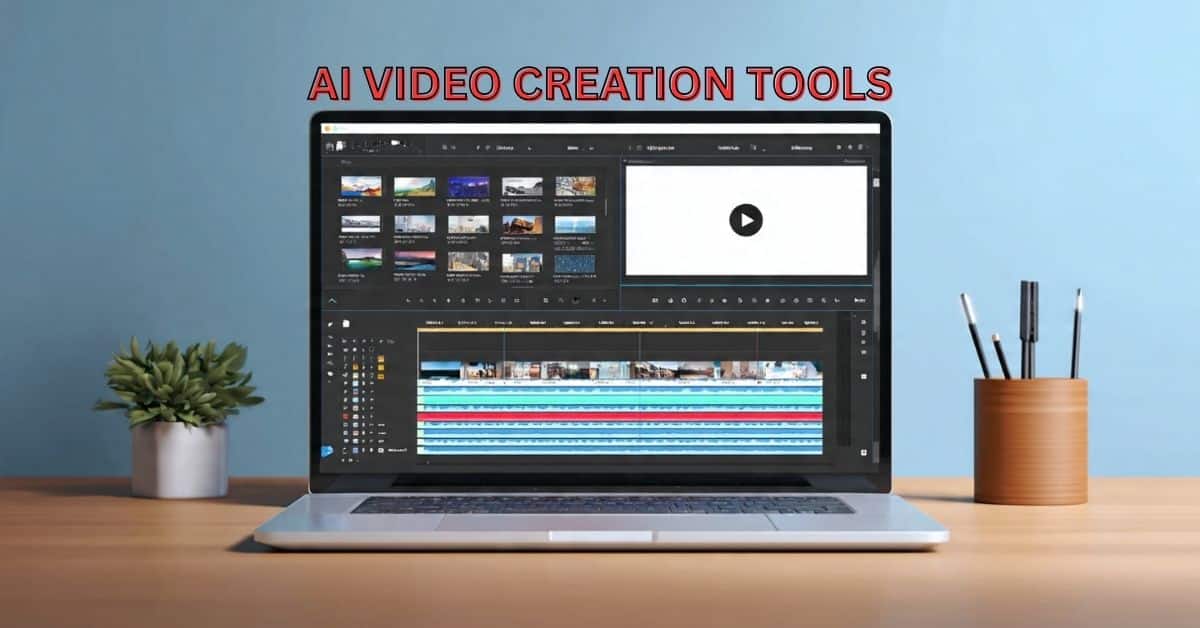
Video is growing faster than text content.
Video creation in steps:
- Paste your script
- AI will add visuals and voiceover
- Export your video
Best free AI video tools:
- Pictory – Text to video
- CapCut – Reels and Shorts
- VEED – Automatic subtitles
Best Free AI Voice & Audio Tools
Perfect for YouTube and reels.
Step-by-step voice generation
- Paste text
- Select voice
- Download audio
Best free tools
- ElevenLabs—Natural-sounding voices
- Audacity—Audio editing
Best Free AI Tools for Social Media Growth
AI helps you grow quickly on social media platforms.
Step-by-step progress
- Create captions
- Add hashtags
- Track performance
Best free tools
- Hootsuite – Scheduling
- Buffer – Post planning
Best Free AI Tools for Productivity & Automation
Work smartly, not just hard.
Step-by-step process
- Plan your content
- Automate tasks
- Save time
Useful tools
- Trello – Content planning
- Zapier – Automation
Free vs. Paid AI Tools: A Guide for Beginners
Limitations of Free Tools
- Daily Limits
- Watermarks
- Fewer Features
When to Upgrade
- Regular Income
- Professional Branding
- High-Volume Content
Best AI Tool Combinations for Beginners
For Bloggers
- ChatGPT + Canva + Rank Math
For YouTubers
- ChatGPT + CapCut + ElevenLabs
For Affiliate Marketers
- ChatGPT + Canva + Ubersuggest
Tips for Safely Using AI Tools in 2026
Avoid AI Detection
- Edit the Content Yourself
- Add Personal Experiences
- Use Simple Language
Follow Ethical Guidelines
Avoid Plagiarism
Check Copyright
Be Honest with Your Audience
The Future of Free AI Tools
In 2026, AI tools will be:
- More Human-like
- Faster
- More Creator-centric
- Multilingual
Free tools will remain powerful for beginners.
✅ Free AI Tools & Their Work (Beginner Guide)
| AI Tool Name | What It Does (Simple Explanation) | Best For Beginners |
|---|---|---|
| ChatGPT | Writes blogs, scripts, captions, ideas, emails | Bloggers, YouTubers, writers |
| Grammarly | Fixes grammar, spelling & sentence clarity | All content creators |
| Notion AI | Helps plan content, notes & outlines | Content planning |
| Ubersuggest | Finds keywords & SEO ideas | Bloggers & affiliate sites |
| Rank Math | Optimizes blog posts for Google SEO | WordPress users |
| Yoast SEO | Improves SEO readability & structure | Beginners in SEO |
| Canva | Creates thumbnails, posts & banners | Designers & social media |
| Bing Image Creator | Generates AI images from text | Blog & thumbnail images |
| Remove.bg | Removes image background instantly | Product & profile images |
| CapCut | Edits videos, adds effects & captions | Reels & Shorts creators |
| Pictory | Converts text into videos | Faceless YouTube videos |
| VEED | Adds subtitles & edits videos online | Social video creators |
| ElevenLabs | Creates natural AI voice from text | Voice-over videos |
| Audacity | Cleans noise & edits audio | Podcasts & voice |
| Buffer | Schedules posts automatically | Social media growth |
| Hootsuite | Manages multiple social accounts | Brands & creators |
| Trello | Organizes content ideas & workflow | Content planning |
| Zapier | Automates tasks between apps | Automation beginners |
Conclusion:
Start Smart with Free AI Tools in 2026
If you’re a new content creator, 2026 is the perfect time to start. You don’t need expensive software or advanced skills. The free AI tools shared in this guide are powerful enough to help you write blogs, design images, create videos, optimize for SEO, and thrive on social media.
The most important step is not to use too many tools at once. Start simple. Choose 2-3 tools based on your goals:
Bloggers can start with AI writing and SEO tools.
Video creators can focus on AI script + video editing tools.
Social media creators can use design and scheduling tools.
Always remember, AI is an assistant, not a replacement. Inject your personal ideas, experiences, and creativity into every piece of content. This is how you build trust, originality, and long-term success.
Finally, consistency is more important than perfection. Use these free AI tools daily, learn step by step, and keep publishing. If you stay consistent, AI will save you time, boost your productivity, and help you grow rapidly in 2026 and beyond.
👉 Start today. Learn every day. Create with confidence.
AI will not replace creators.
Creators who use AI will replace those who don’t.
Frequently Asked Questions (FAQs):
1. What are the free AI tools available for content creators?
Free AI tools are software or online platforms that help create content such as blogs, images, videos, voiceovers, and social media posts without any cost. They usually have a free plan with limited features.
2. Are free AI tools good enough for beginners?
Yes. Free AI tools are perfect for beginners. They are easy to use, require no technical skills, and are powerful enough to start creating content for blogging, YouTube, or social media.
3. Can I make money using free AI tools?
Yes. Many creators make money using free AI tools through blogging, affiliate marketing, YouTube, and freelancing. You can upgrade later as your income grows.
4. Do free AI tools create plagiarism-free content?
Most AI tools create original content, but you should always:
- Edit the content
- Add your own ideas
- Use a plagiarism checker if needed
Human editing keeps the content safe and unique.
5. Which free AI tool should I start with first?
For beginners, start with:
- An AI writing tool
- A design or video tool
Don’t use too many tools at once. Keep it simple.
6. Is it safe to use free AI tools?
Yes, popular AI tools are safe. Just avoid:
- Sharing personal or sensitive data
- Copying content without editing
- Using copyrighted images or music without permission
7. Can free AI tools help with SEO?
Yes. Free AI tools can help in the following areas:
- Keyword research
- SEO-friendly writing
- Meta titles and descriptions
- Content optimization
These are very useful for new websites.
8. Do free AI tools add watermarks to images or videos?
Some free tools add watermarks, but many do not.
If a tool adds a watermark, you can:
- Use it only for practice
- Switch to another free alternative
9. Can I use free AI tools on my mobile phone?
Yes. Many AI tools work on:
- Mobile browsers
- Android and iOS apps
This is great for those who work only from their phones.
10. Will AI replace human content creators in the future?
No. AI will support creators, not replace them.
Creators who use AI smartly will progress faster than those who don’t.
11. When should I upgrade from free AI tools to paid tools?
Only upgrade when:
- You create content daily
- You start earning regularly
- You need advanced features or branding
Until then, free tools are sufficient.